Protected Content – Secure, Automated Access to Your Digital Products
Sell notes, videos, templates, and live streams with instant, OTP-secured access for your customers in Malaysia.






How It Works
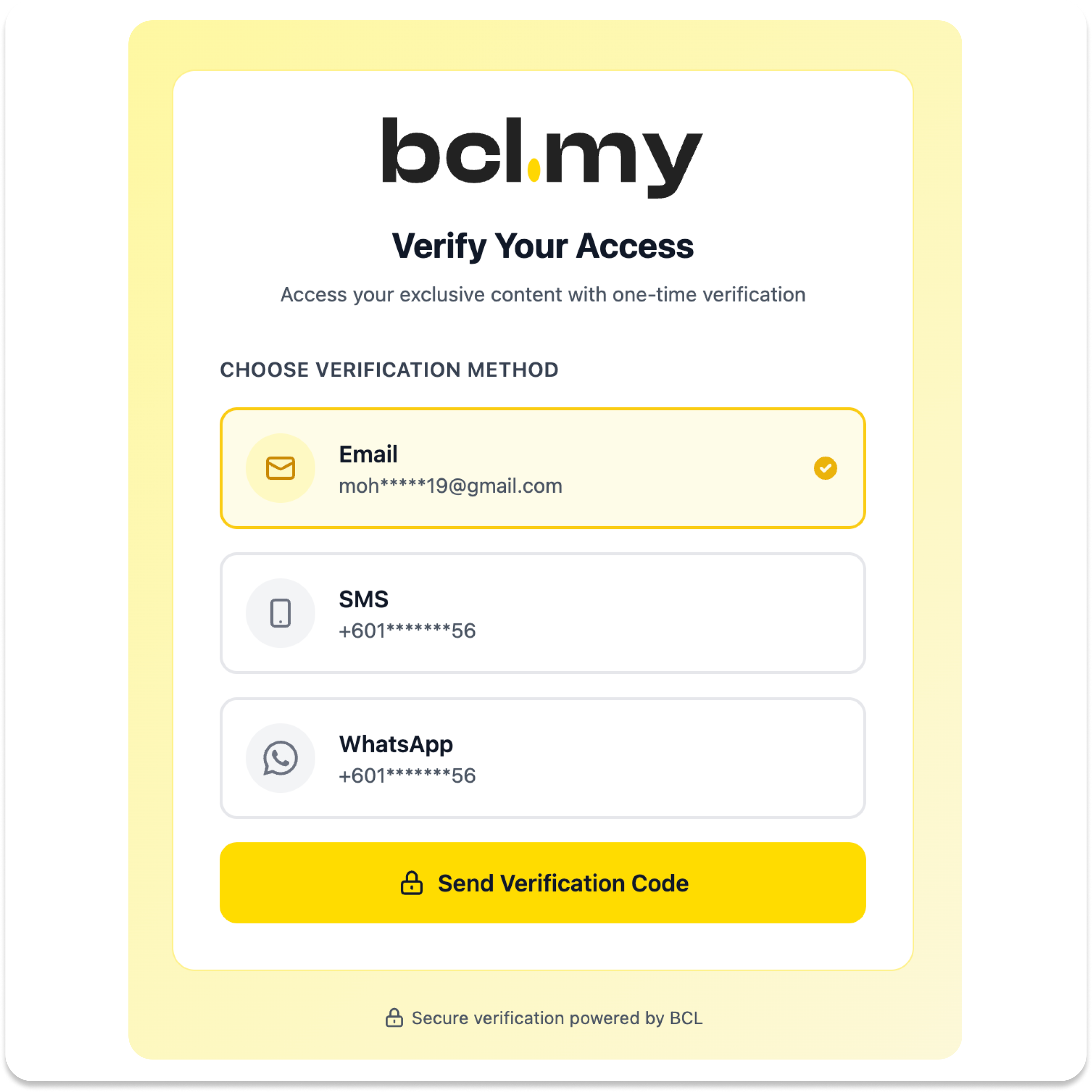
Deliver digital products securely so only verified, paying customers can access them via a one-time verification code.



Why Choose Protected Content?
Ideal for Malaysian businesses selling videos, files, or premium pages. Protect your digital products with OTP-based verification and automated delivery.
- Access is tied to the purchaser's email or phone
- Limit access to a specific number of devices to prevent password or link sharing
- OTP-based verification strengthens access control and supports better auditability

- Delivery is instant and automated once payment succeeds
- Customers get their protected links without manual intervention from the merchant
- Reduces support workload and avoids delays in sending files or links
- Improves customer satisfaction for time-sensitive offers such as live events
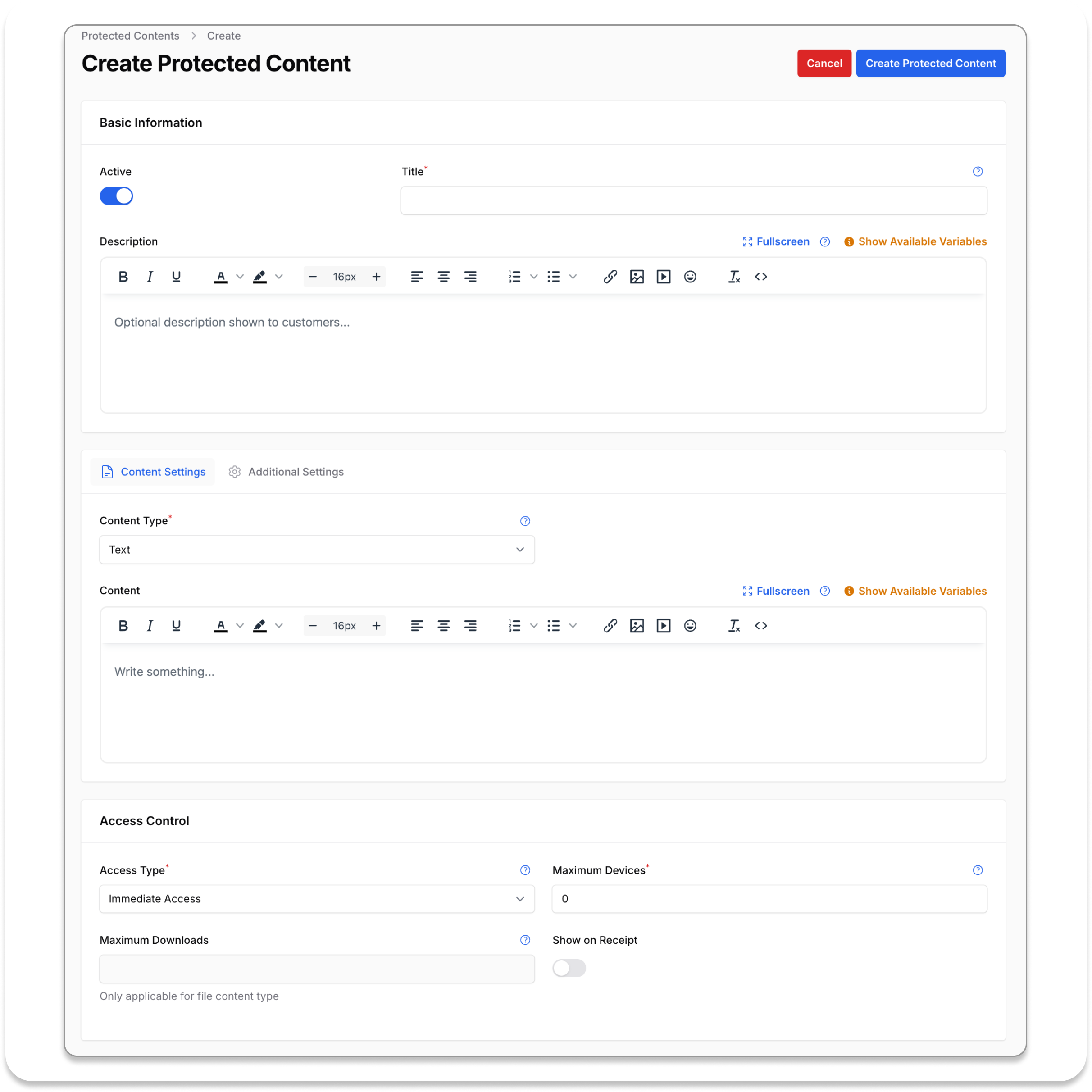
- Setup uses familiar form fields and dropdowns
- Merchants do not need coding or a separate membership platform
- Manage everything from one dashboard
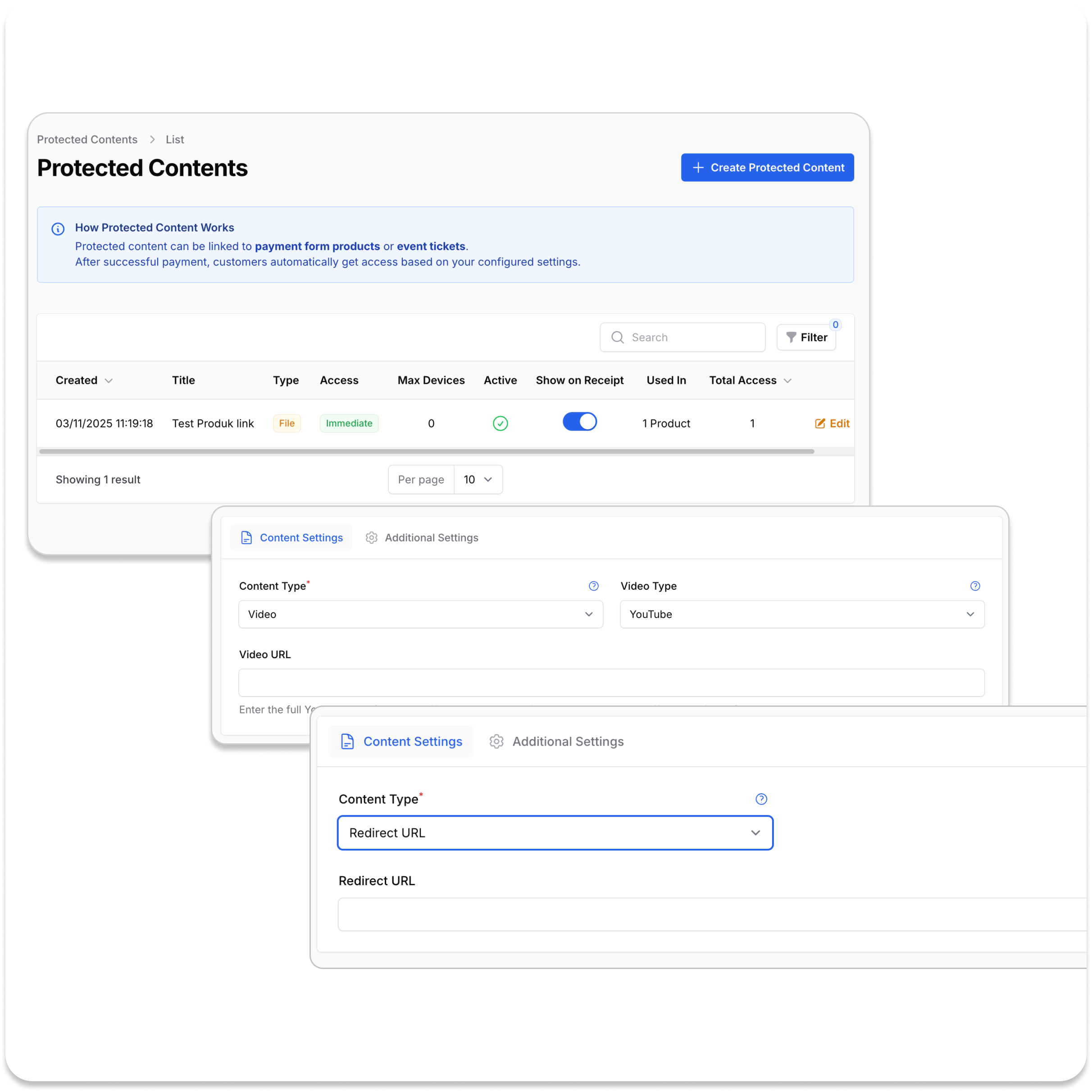
- Text: Premium articles, SOPs, or checklists visible inside the secured viewer
- File: PDFs, slides, ZIP files, or any downloadable digital product
- Video: Hosted video URLs for streaming content
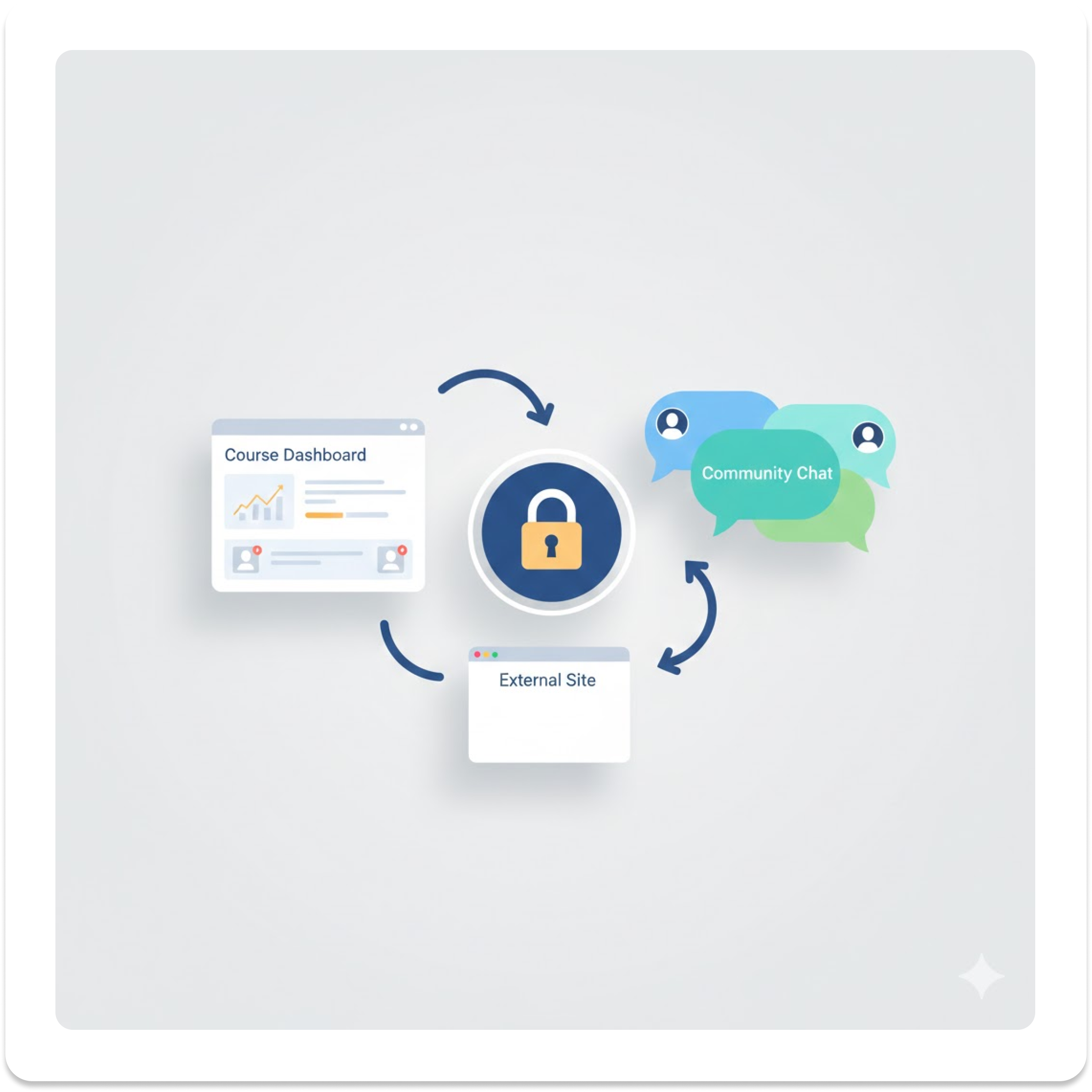
- Redirect URL: External pages, courses, or streaming links
Use Cases & Content Types
From live streams to digital courses, Protected Content works for any type of digital product you want to sell and protect.
- Sports clubs and event organisers can sell pay-per-view tickets
- Store the streaming URL as a Video or Redirect URL
- Only verified ticket buyers can enter the stream page
- Provide lifetime or time-limited replay access for buyers

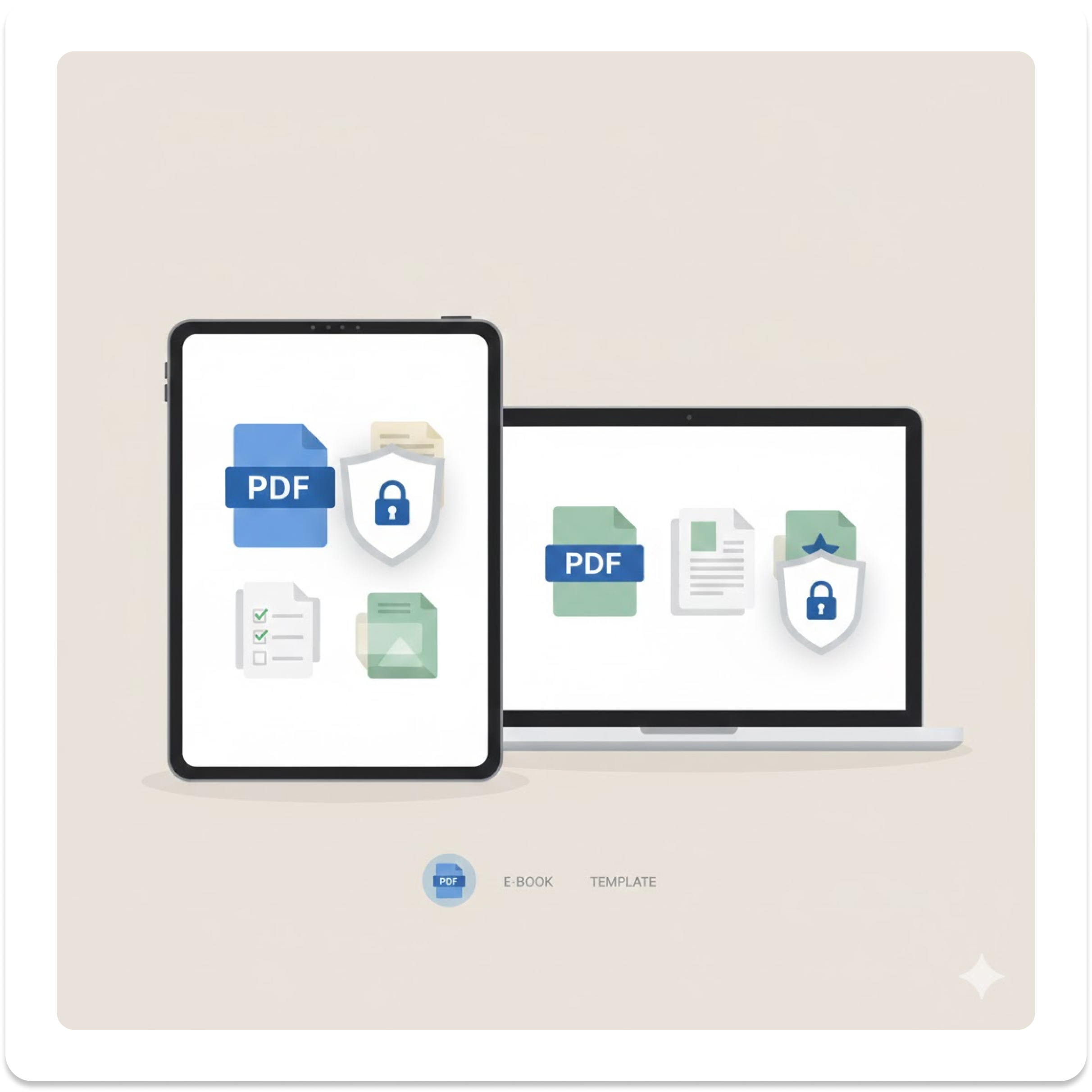
- Educators and creators can upload PDFs, slides, or ZIP files as File content
- Restrict downloads to reduce uncontrolled sharing
- Text content is suitable for premium articles, SOPs, or checklists
- Content is only visible inside the secured viewer after OTP verification
- Host courses on another platform (LMS or community site)
- Store the destination as a Redirect URL
- Use BCL as the payment and access gate
- Keep payment, reporting, and access protection centralised while using flexible delivery tools
Loved by Customers
Hear how we’ve helped businesses grow with smoother transactions and higher sales.





Choose the Perfect Plan for Your Business
Find the right package to match your needs-whether you’re just starting out or scaling fast.
Free
- FPX transaction fees as low as RM1.00
- Unlimited Payment Form
- Unlimited Payment Link
- Support Affiliate System
- Support Coupon Feature
- Support Marketing Tracking
- Basic Support
- No Free Domain
Premium Add On
- E-Invoice MyInvois LHDN
- COD & Manual Bank Transfer
- More upcoming premium add-on soon...
Package Niaga
Early bird offer- FPX transaction fees as low as RM1.00
- Unlimited Payment Form
- Unlimited Payment Link
- Support Affiliate System
- Support Coupon Feature
- Support Marketing Tracking
- Fast Support
- Free Domain .com only
Premium Add On
- E-Invoice MyInvois LHDN
- COD & Manual Bank Transfer
- More upcoming premium add-on soon...
Package Niaga Pro
Early bird offer- FPX transaction fees as low as RM0.70
- Unlimited Payment Form
- Unlimited Payment Link
- Support Affiliate System
- Support Coupon Feature
- Support Marketing Tracking
- Fast Support
- Free Domain .com/ .my / .com.my
Premium Add On
- E-Invoice MyInvois LHDN
- COD & Manual Bank Transfer
- More upcoming premium add-on soon...

Your Questions, Answered
Quick answers to help you make the most of Protected Content and secure your digital products.

BCL.my is an all-in-one payment platform that lets you create QR terminal, payment forms, accept instant payments, and manage e-invoices quickly.