
Send a link. Get paid in the chat.
Your customers already talk to you on WhatsApp. Send a Payment Link for the exact amount and they pay from the chat.
Trusted by these companies













































Before & after BCL
Trade the 'dah transfer' check in your bank app for a link that confirms itself.
How it works
Fill in the sale, choose a channel, paste the link in the chat, then see it marked paid.
What you can do
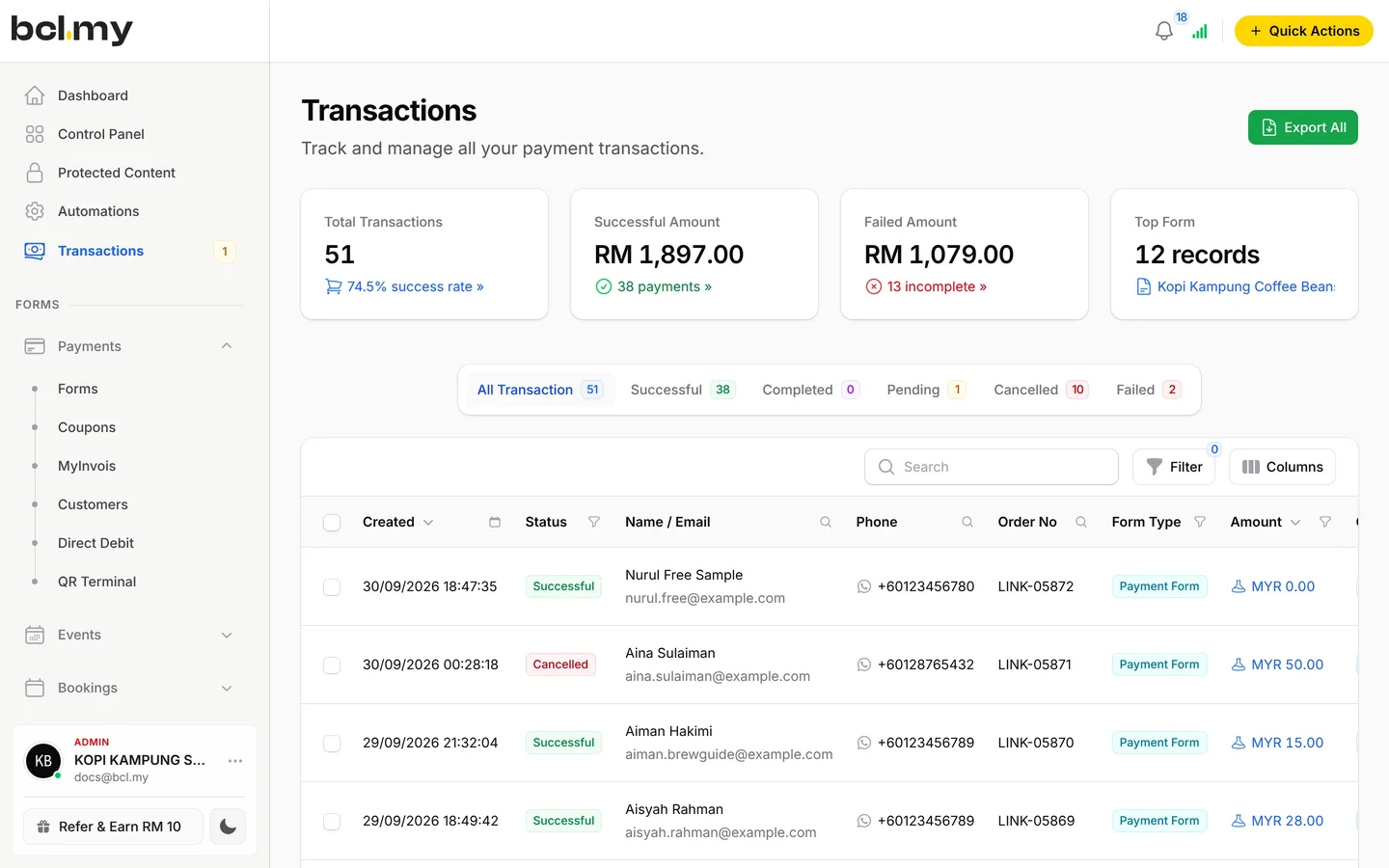
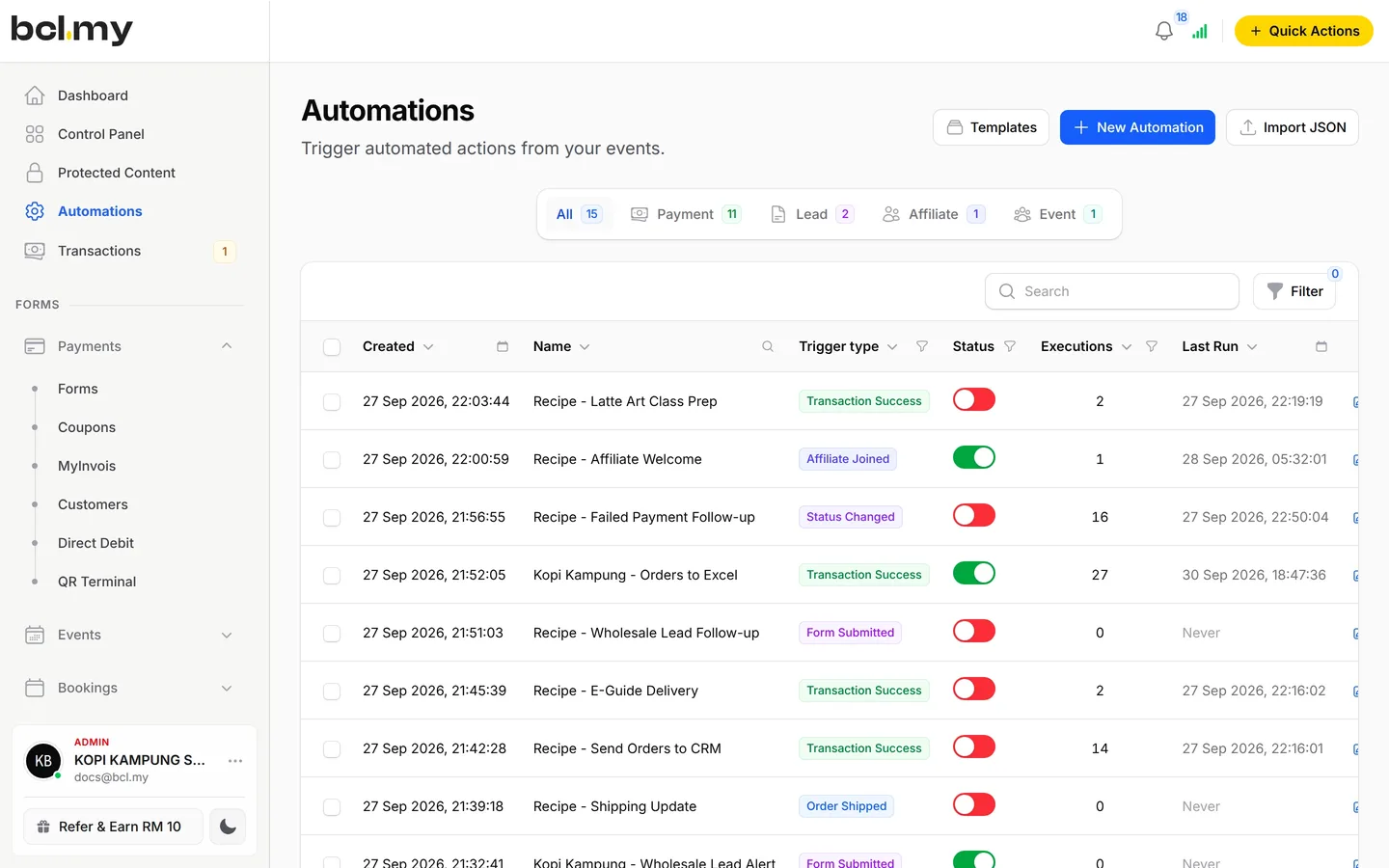
One-off links, shareable forms, WhatsApp payment messages and tracking let you sell without a website.
A link for one customer & one amount
Made for chat sales where a full form is too much.
Forms you can also share in chat
Selling many items? Share a payment form link in WhatsApp instead. The customer picks and pays on the form.
WhatsApp messages on payment
Send your customer and yourself a WhatsApp message when a payment succeeds or fails. You connect your own number through Wabot or Wasapbot.
Your own tracking on every link
Add pixels, a webhook or your own thank-you page under Platform Setup, then Link Configuration.
Who uses it
Bakers quoting custom cakes, boutiques closing live sales and salons collecting treatment balances work this way.
How your customers pay
Customers pay with the channels your Bayarcash portal supports: FPX and DuitNow QR as standard, and cards, e-wallets and Buy Now Pay Later once Bayarcash switches them on.
You can also fix one method with Payment Option. Real payments need an approved Bayarcash account. In Test Mode you can make links to try them out.
- Standard
- Cards

- E-wallets


- Buy Now, Pay Later



- Cross-border QR


Good to know
Limits to check before you build, and the add-ons that some features need.
- A Payment Link is for one customer and one amount. For many items or sizes, use a payment form.
- A link stays valid for up to 3 months.
- The form stays locked until you connect Bayarcash, unless Test Mode is on.
- WhatsApp messages from BCL need a Wabot or Wasapbot account. BCL does not send them from its own number.
- There is no refund button. Refund outside BCL, then cancel the order.
See it live
Opens a live example page. Please do not pay.
- Payment link Lensa Senja: portrait session payment A Payment Link for one client and one amount Lensa Senja Photography, a freelance photographer billing a portrait session Open the example
- Payment link Payment link: Katering Selera Kampung catering order One link for a catering order Katering Selera Kampung, a caterer billing a customer for a catering order Open the example
Questions owners ask
How links work without a website, how long they stay valid and when WhatsApp messages go out.
How do I get paid on WhatsApp without a website?
To get paid on WhatsApp, create a Payment Link in BCL, copy it and send it in the chat. Your customer pays by FPX, DuitNow QR or any channel Bayarcash has switched on, gets a receipt, and the payment shows in Transactions. No website or transfer slip is needed.
Can I choose the payment method for my customer?
Yes. Turn off Let user choose payment method and pick a method in Payment Option. Leave it on to let your customer choose from the channels your portal supports.
How long does a payment link last?
A payment link stays valid for up to 3 months after you create it.
Does BCL send the WhatsApp message for me?
Only if you connect Wabot or Wasapbot. Then BCL sends a WhatsApp message to your customer and to you when a payment succeeds or fails, from your own number.
Can I start before my Bayarcash account is approved?
Yes. New accounts start in Test Mode, so you can build and try your forms first. Test payments go to the Bayarcash sandbox and nothing is charged. Your forms keep working after you connect Bayarcash.
Which payment methods can my customers use?
FPX online banking, DuitNow QR and cross-border QR (Singapore, Indonesia, Thailand and China) come as standard. Cards (Visa and Mastercard), e-wallets (Touch 'n Go eWallet, Boost, GrabPay) and Buy Now Pay Later (SPayLater, PayLater by Grab, Boost PayFlex) appear once Bayarcash switches them on for your account. Prices are in RM.
Step-by-step guides
Set it up with the help pages on docs.bcl.my.
Ready when you are.
Set up your first form today and try it out. When you are ready for real payments, connect Bayarcash and the same form goes live.